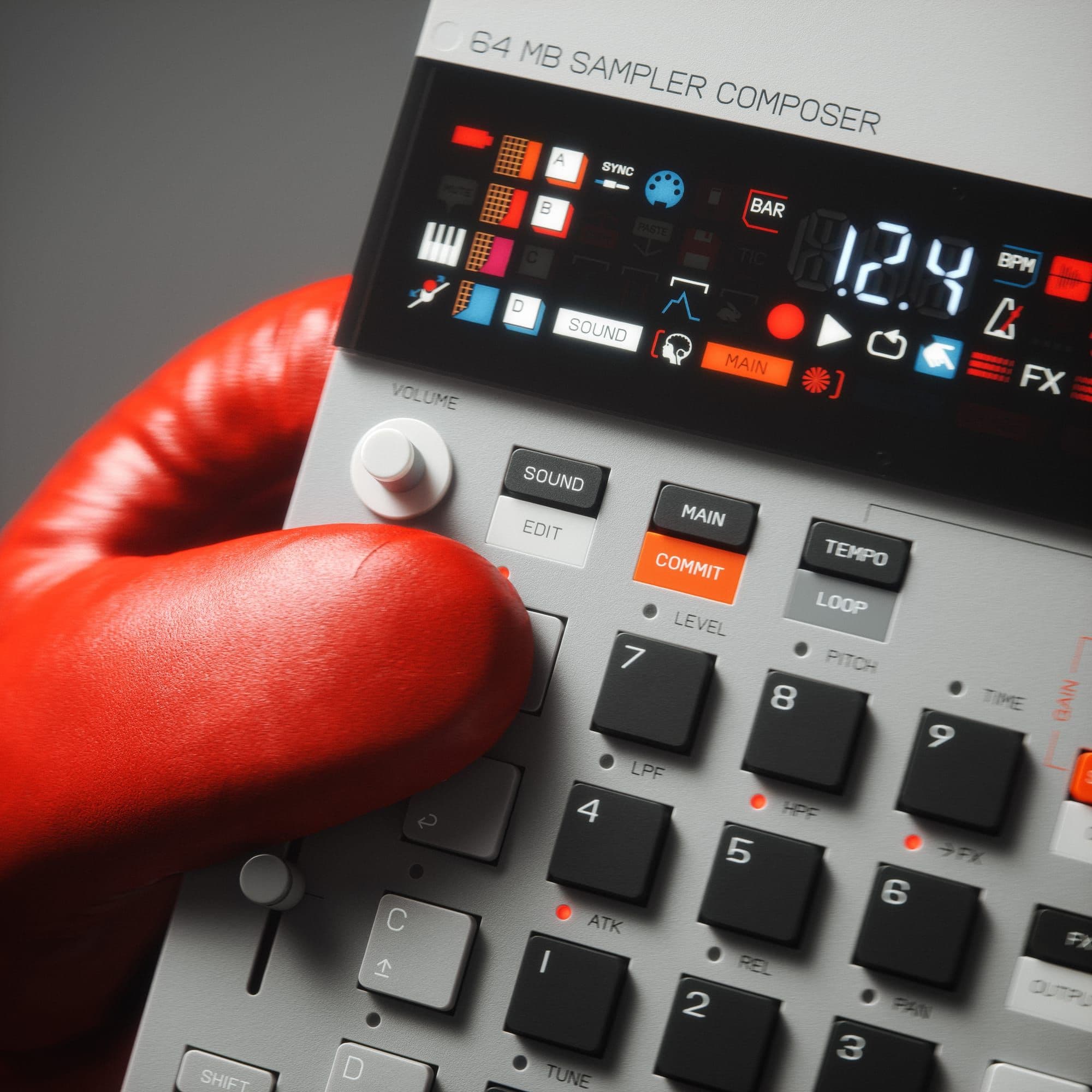
Teenage Engineering’s OS 2.0 firmware brings the EP‑133 K.O. II into “Champions” mode with a focus on in‑box resampling, longer song construction, tighter dynamics control, and a collection of workflow refinements.
Resampling and hands free sampling
A new Resampler (RSP) input lets users print effects or combine sounds without leaving the unit. Enter Sample mode, tap Plus until RSP appears, then trigger recording; the resampler can capture the active pattern length or any performance routed through the inputs. Hands‑free sampling now works for both external audio and resampling: hold Shift and a pad to start threshold‑based recording, freeing both hands for playing keys, strumming, or switching groups. The process can even be used to record wet and dry versions back‑to‑back.
Song mode for scene chains
Song mode expands project playback beyond single scenes. Hold Main and press Enter to open the song list editor, where up to 99 positions can reference any of the 99 scenes. Combined with a maximum 99‑bar pattern length, a project can run for 9,801 bars before looping. Navigation, insertion, and deletion use familiar Shift + A/C/D shortcuts, and playback progress is visualised on the X/Y meters.
Sidechain dynamics
A built‑in sidechain engine now ducks target groups whenever a chosen source hits. Open Output with Shift + FX, switch to Sidechain, then pick a trigger pad and destination groups. Length and shape are set with the X and Y knobs, giving straightforward pump control for kick‑and‑bass mixes.
Increased polyphony and timing options
Polyphony rises from 12 mono / 6 stereo voices to a maximum of 16 mono / 12 stereo voices, subject to sample pitch and stretch factors. The sequencer gains larger note intervals, 1/1, 1/2, and 1/4, alongside a Shift‑latch for Note Repeat, which keeps hi‑hats rolling while you focus on other parts.
MIDI throughput and mapping
OS 2.0 introduces MIDI Thru so incoming data can be forwarded over DIN and USB. System settings now allow separate MIDI‑in and MIDI‑out channels, program‑change send/receive, a flexible pad note map, and real‑time response to pitch‑bend and mod‑wheel messages. Pads default to sending on the system channel, and changing a pad’s sound‑edit channel also updates its MIDI‑in channel.
Additional workflow tweaks
Scene jump: Main + numpad can recall any scene 1‑99.
Sound edits: Hold Shift + Sound for two seconds to save edits.
Edits write to disk during playback, eliminating the “brain” icon.
Main mode now displays sub‑step positions beyond bar 10 using the TIC read‑out.
Trim‑in edits snap to zero crossings on mono samples.
Swing is now stored per project.
Optional bar‑synchronised scene‑change setting (system 412).