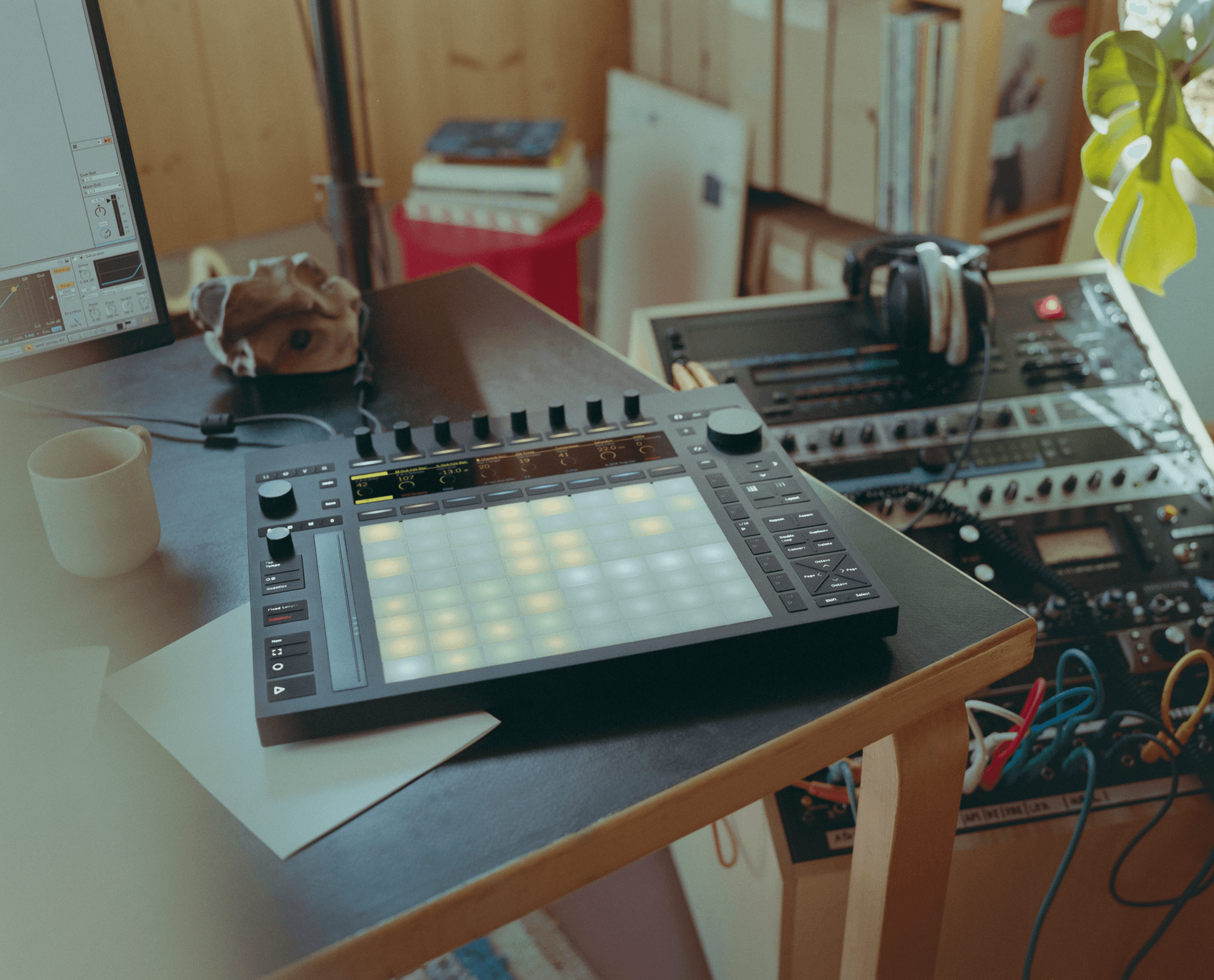
Ableton’s latest public beta (Push firmware 2.2b9 / Live 12.2b9) concentrates on hands‑on arrangement tools and day‑to‑day workflow polish. The headline addition is full Follow Actions editing and triggering from the hardware, joined by new performance layouts, on‑device bouncing, and an expanded Groove Pool.
Follow actions arrive on Push

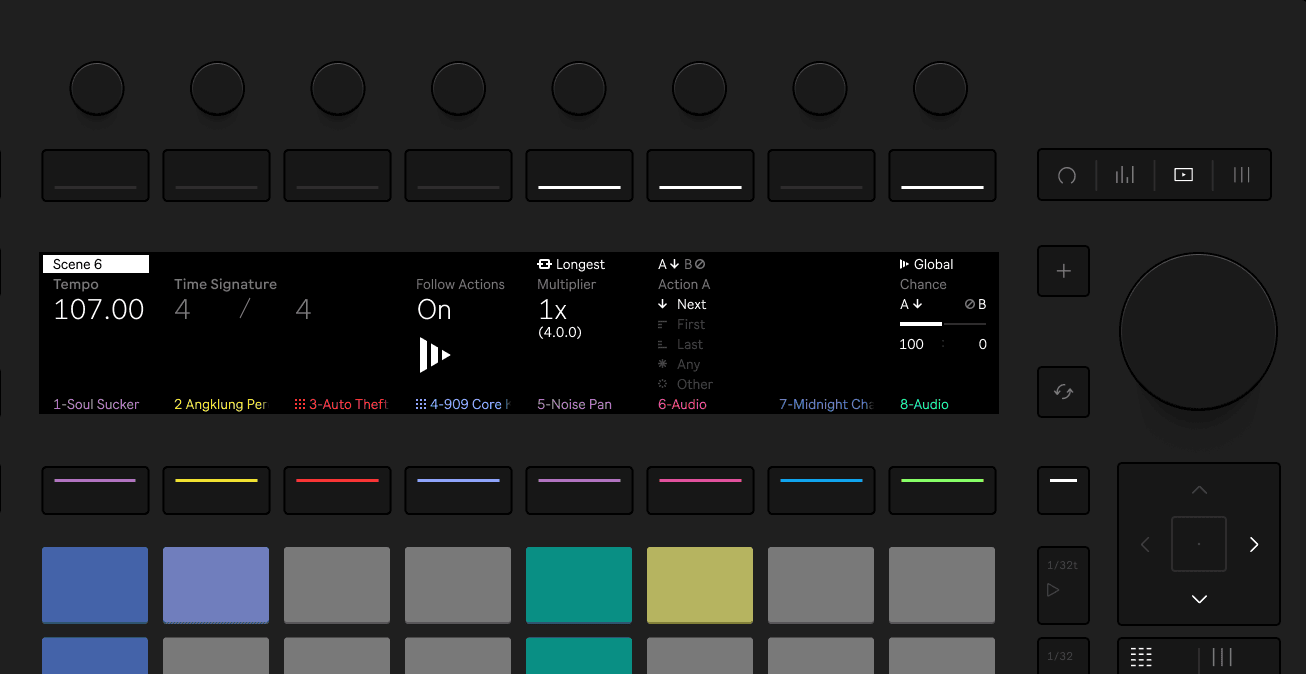
Follow Actions can now be created, edited, and toggled entirely from Push. In Session mode, holding Play and tapping pads enables or disables Follow Actions per clip or scene; Play + Track/Main applies the command to an entire track or to all scenes. Detailed settings, linked length, A/B targets, probability, and scene tempo or meter, live in a new Follow Actions tab inside Clip View.
Expressive 16 pitches for drums and slices

Drum Rack and Sliced Simpler modes gain a 16 Pitches layout, turning any pad or slice into a melodic instrument that respects the current scale and alternate tunings. Octave buttons shift the range, while the touch strip scrolls through pitches. Notes chosen in this layout can also be sequenced in the step sequencer.
Groove pool comes to the front panel

The full Groove Pool is now available on Push. From Clip View you can add, swap, and edit grooves, set a default Auto‑Add groove for new MIDI clips, and adjust the Global Groove amount, all without touching Live’s GUI.
Bounce tracks to audio without leaving the hardware
Two new context‑menu options simplify printing audio: Bounce Clip to New Track and Bounce in Place. Both are accessed with Shift + pad/track and immediately select the rendered track so you can keep working.
Alternate tuning systems on device
Press Scale - Tunings to browse and load Scala‑compatible tuning files directly from Push. A new info panel describes the active tuning, and a Reset command restores standard tuning. The scales menu updates automatically to reflect the loaded system.
Expressive Chords Max for Live device
A companion Live Pack introduces Expressive Chords, letting players trigger predefined chord sets with single pads. When the device is selected, Push shows articulation pads on the top two rows and highlights available chords below. MPE data passes through and can modulate device parameters.
Device access and bank clean‑up
Routing and side‑chain parameters for External Audio Effect, Auto Filter, Roar, and Compressor are now fully exposed on Push, with clearer bank organisation and indicators when additional pages are available.
Quality‑of‑life improvements
Quantize selected notes works from Clip View.
Track context menus make grouping multiple tracks faster.
A horizontal scrollbar has been added to the browser.
Shift‑modifiable controls light up when Shift is held, and an arrow now marks devices with multiple banks.
Firmware fixes and stability
Firmware 1.4.9 underpins the beta, bringing smoother sample‑rate changes, refined poly‑aftertouch behaviour, improved CV/gate latency compensation, and permanent LED‑flicker correction for filming.