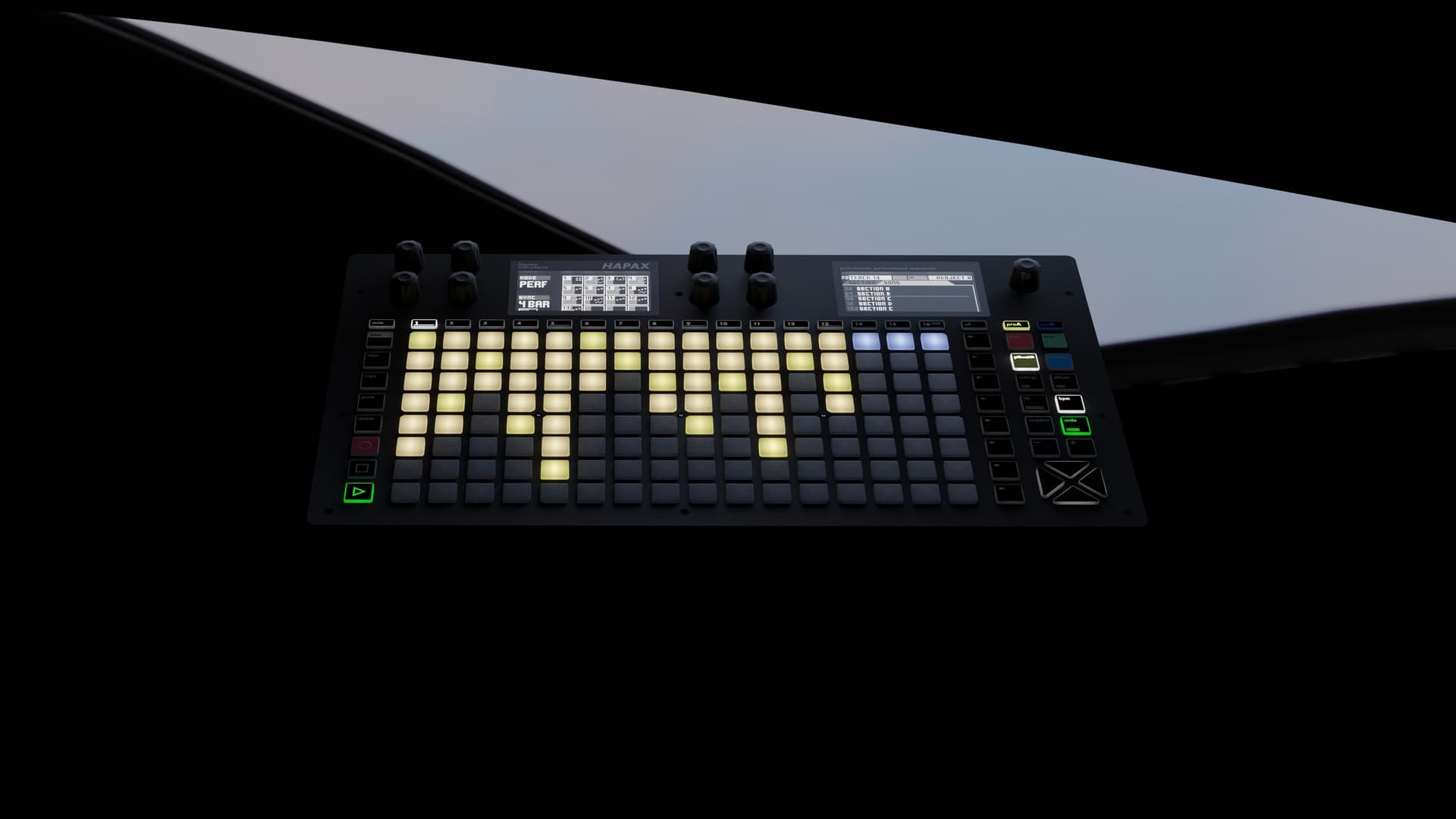
Squarp released hapaxOS 3.20 for its Hapax sequencer on 10 September. The free update's main addition is a track type that records, plays back and edits polyphonic aftertouch.
The AFTR track type
AFTR sits directly after MPE in the track-type list. It keeps a single MIDI input and output channel in the way a POLY track does, so it addresses a synth over DIN or USB without an MPE zone being set up first. Each note stores its own pressure curve, which can be drawn and edited in Step mode using the same lane as MPE pressure. Because the curve is held with the note, moving or transposing the note carries its aftertouch along.
Incoming poly aftertouch now passes through on every track type rather than only AFTR, so the sequencer no longer drops pressure data when it sits between a controller and a synth. On AFTR tracks, incoming channel aftertouch is applied to every note currently held. Instrument definitions gain POLYAT and AFTR parameters, and the MIDI monitor now displays poly aftertouch messages with their note numbers and pressure values.
CV clock and sync settings
CV clock rates reach 96 ppqn, up from a ceiling of 24. Squarp says the higher rate is there to sync with audio-rate clocks coming from DAWs and modular systems. A new clock timeout setting falls back to the internal clock when an external signal is lost and re-locks automatically when it returns, and a CV follow tempo setting decides whether an incoming CV clock sets the project BPM or only advances the sequencer.
Squarp says the release also optimises automation processing and fixes eight bugs, among them arpeggiator notes sticking through pattern changes and automation lane default values being ignored on load. The company warns that projects saved in 3.20 will not open in 3.10 and that global settings move from v1 to v3. The update is installed by copying hapax.bin to the root of the SD card and powering the unit on with the main encoder held down.
The last comparable change to the Hapax's note handling came in April, when version 3.0 added MPE track support.
Via Squarp. The full changelog is on the Squarp forum, and the sequencer's product page is here.