Follow actions arrive on Push standalone
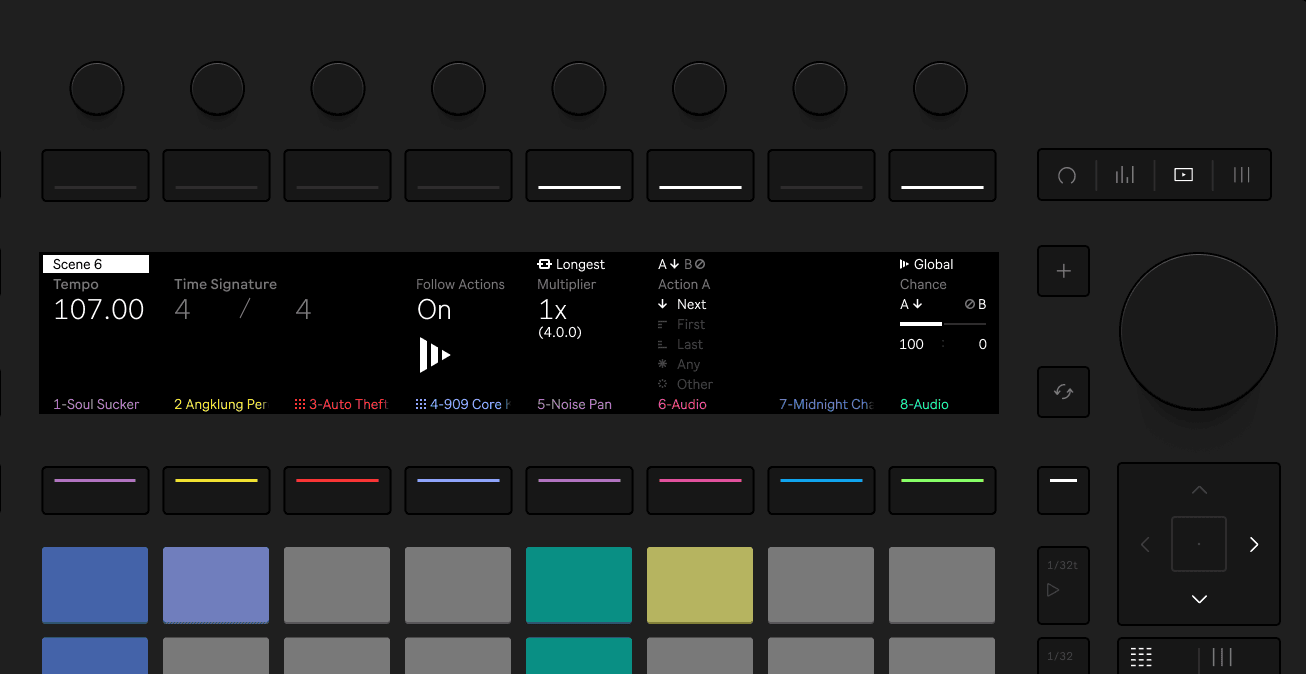
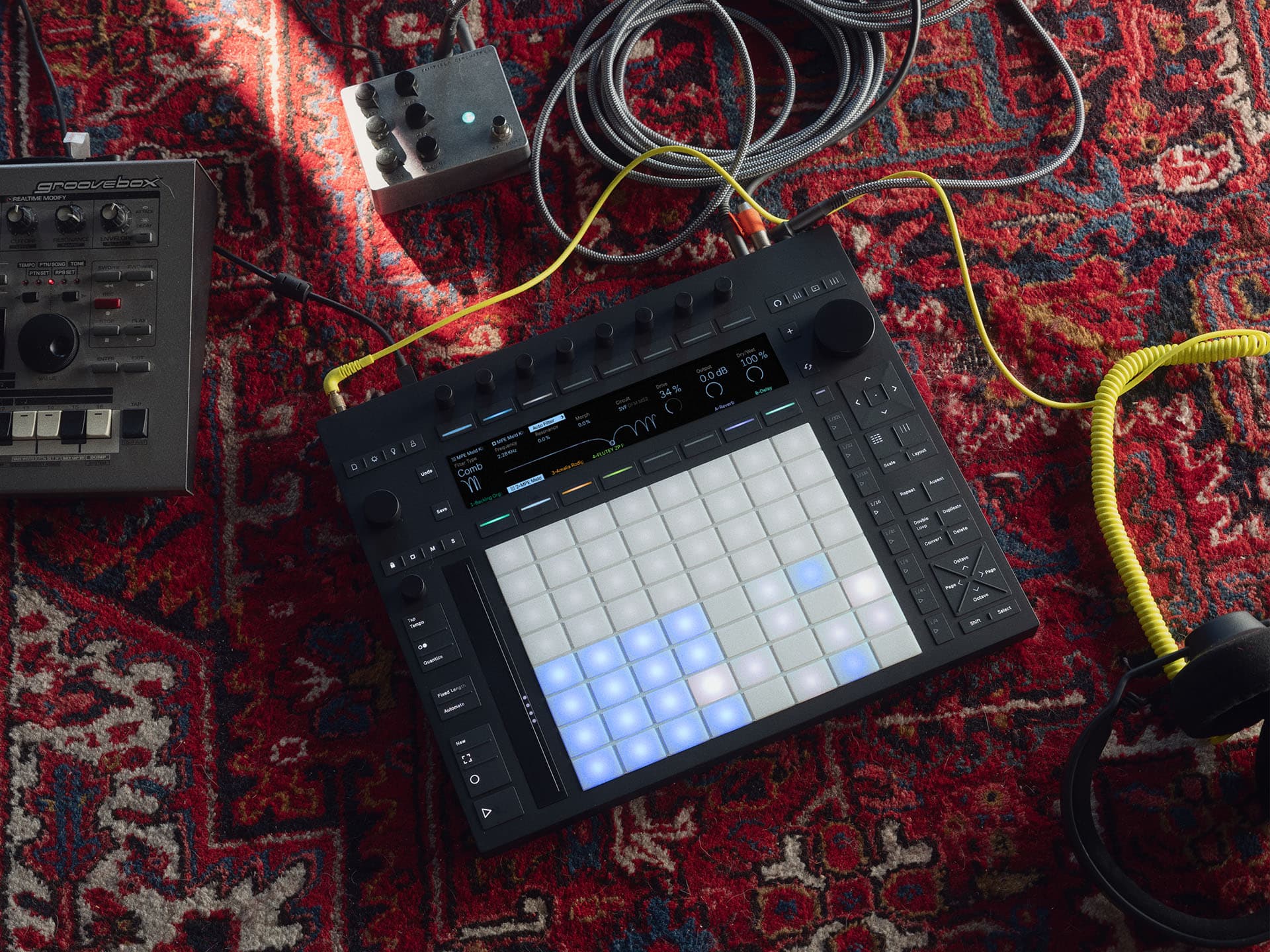
The latest beta release for Ableton Push 3 standalone introduces a highly anticipated feature, follow actions. Until now, setting up automated scene changes directly on the Push required complicated workarounds or jumping back into Ableton Live on a computer. With follow actions now directly integrated into the Push standalone, performing just got a whole lot smoother.
Craig’s example: Effortless drops and transitions
In a recent Push Patterns video, Craig highlights how the new follow actions feature dramatically simplifies live performances. Using a clever trick involving a high-pass auto filter and the "wash out" audio effect, he demonstrates building tension towards a drop effortlessly. Instead of manually resetting multiple controls after a big moment, a single macro instantly brings everything back to normal, making complex transitions easy and consistent.
Craig’s setup perfectly illustrates how follow actions combined with macro variations can transform your performance. Previously tedious maneuvers become intuitive and enjoyable, letting you stay focused on the musical experience rather than technical juggling.
Understanding follow actions
If you're not already familiar, follow actions automatically trigger subsequent clips or scenes after a specified duration. It might seem like a small feature, but it has a massive impact. No more frantic tapping or timing mishaps mid-performance, follow actions handle the scene transitions seamlessly, freeing your hands and your creativity.
Being able to automate these transitions directly on the Push standalone is a game-changer. It means you can craft intricate performances without lugging around a laptop or worrying about complex dummy clip arrangements.
Macro variations: Simplifying live tweaks
Macro variations are another powerful feature introduced on Push standalone, allowing you to save and instantly recall multiple parameter settings within an effects rack. Say goodbye to hurriedly twisting knobs live, macro variations let you quickly jump between completely different effects settings with a simple button press.
This feature shines during complex transitions, like the drops Craig demonstrates. You can build up tension, pushing effects to the extreme, and then snap back to your baseline sound immediately, making your performance feel polished and controlled without stress.
Combining powers for dynamic performances
When macro variations and follow actions work together, the Push standalone becomes an even more powerful tool. Imagine setting your scene to automatically advance to a "drop" moment, while your macro variation smoothly resets your effects back to normal. This synergy lets you effortlessly manage exciting, dynamic shifts during live sets.
Craig’s video makes it clear just how intuitive and fun these features are when combined. The setup is straightforward, yet it opens up endless creative possibilities, allowing even hobbyist producers to craft professional-sounding live performances.
Making the Push standalone shine
The addition of follow actions and macro variations significantly boosts the capabilities of the Push 3 standalone, making it a dream setup for electronic musicians who prefer simplicity and mobility. These new features enable you to create polished, dynamic performances without extra equipment or complicated setups.
As someone who enjoys the spontaneity and creativity of performing electronic music, the simplicity and power offered by these new updates genuinely enhance the joy of playing live. Push 3 standalone now feels complete, intuitive, and tailored to performers who want to stay focused on the music itself.